A check run delayed by a missing signature line, invoices that do not match the envelope window, or a deposit ticket with the wrong account information can create more work than the form itself is worth. When evaluating preprinted forms versus blank forms, the better choice is usually the one that removes the most routine work without limiting the flexibility your office needs.
For many businesses, the answer is not one format for every task. Preprinted checks may make sense for recurring accounts payable, while blank laser checks work better for a company that needs to update its remittance details or bank information. The same logic applies to invoices, deposit tickets, envelopes, and year-end tax documents.
Preprinted Forms Versus Blank Forms: The Core Difference
Preprinted forms arrive with fixed information already printed on the document. Depending on the product, that may include your business name, address, logo, bank routing and account numbers, return address, invoice layout, or standard terms. Your staff adds only the variable information, such as a check amount, invoice total, customer name, or date.
Blank forms provide the paper stock and required format without your company-specific details. They are commonly used with laser printers and accounting software that prints all document information at the time of use. A blank check, for example, may include security features and check positioning but leave the MICR line and company information to be printed in-house.
The decision is not simply about printed versus unprinted paper. It affects purchasing, data accuracy, document security, software compatibility, storage, and how quickly your team can respond when business details change.
When Preprinted Forms Are the Better Operational Choice
Preprinted forms are built for consistency. If your organization uses the same bank account, remittance address, payment terms, and return address on hundreds or thousands of documents, having those details professionally printed reduces repetitive handling.
Recurring documents with stable information
Preprinted business checks are a practical choice when payment information is established and check runs follow a predictable process. The bank routing number, account number, company name, and address are already in place, which can simplify printing and reduce the amount of variable data your accounting system must place correctly.
Preprinted deposit tickets offer a similar benefit for businesses making regular bank deposits. Having the account information printed in advance helps employees use the correct ticket and can reduce handwriting errors at the counter or during internal reconciliation.
For customer-facing paperwork, preprinted invoices and snap-apart forms give every transaction a consistent appearance. A contractor, property manager, medical office, or service business may use multipart invoices that include its company information, standard terms, and contact details on every copy. Staff can then complete the job-specific details without rebuilding the document each time.
Less dependence on printer alignment
A laser printer is excellent for high-volume document output, but alignment can still matter. Checks, tax forms, and window-envelope mailings need information to land in precise locations. When core information is preprinted, there is less content that must align perfectly during each print job.
This can be especially useful for offices with limited printing capacity, shared printers, or staff who do not manage document templates every day. It also reduces the chance that a user selects an outdated template or prints a return address in the wrong area.
A more finished presentation
Preprinted forms can help small and midsize businesses present a more established, uniform image. A professionally printed company name and logo on invoices, statements, checks, and mailing envelopes looks deliberate and remains consistent across departments.
This benefit matters most when documents reach customers, vendors, banks, and government agencies. It is less important for internal worksheets or temporary records that do not leave the office.
Trade-offs to consider
Preprinting requires a commitment to the information on the form. If you change banks, move offices, update your logo, or revise payment terms, remaining stock may no longer be usable. Ordering enough to secure volume pricing is sensible, but ordering far beyond your expected usage can create waste.
Preprinted forms also need careful approval before production. Review spelling, account numbers, address formatting, window placement, and form copy requirements before placing the order. A proofing step costs far less than replacing an incorrect run.
Where Blank Forms Offer More Flexibility
Blank forms are often the better fit for organizations that rely on accounting, payroll, or billing software to generate document content. They give you the option to print current information as needed rather than holding a large inventory with details that could change.
Variable business information
A growing business may change locations, add divisions, operate under multiple business names, or use different payment accounts. Blank forms let your system print the appropriate information for each transaction.
Blank laser checks are particularly useful when a company manages several entities or bank accounts. Instead of stocking a separate preprinted check for each account, the business can print the correct details on compatible blank check stock, provided its software, printer, and security procedures support that workflow.
Blank deposit tickets can offer the same flexibility where account information needs to be printed at the point of use. However, the team should confirm that the ticket format works with its banking process and that printed account data is consistently accurate.
Better fit for software-driven workflows
If your accounting program already controls invoice layout, remittance information, and customer records, blank forms may be the more efficient choice. The software can pull current data from the system of record and print it directly onto the form.
This approach is useful only when templates are properly configured. A blank form does not correct a poorly set up invoice template, a mismatched check format, or incorrect print scaling. Test a small run after software updates, printer replacements, or form changes before printing a large batch.
Lower risk of obsolete inventory
Blank stock is generally less likely to become outdated because it does not carry permanent company-specific information. That can make it easier to purchase in quantity, particularly for forms used across multiple departments or locations.
Still, blank does not mean universal. Check dimensions, perforation locations, number of parts, paper color, copy sequence, and printer compatibility. A blank two-part carbonless invoice is not interchangeable with a three-part snap-apart invoice, and a standard #10 envelope is not automatically a match for every statement layout.
Compare Cost Beyond the Unit Price
The lowest per-form price is not always the lowest operating cost. Preprinted forms may cost more upfront because of customization, but they can save labor by reducing print setup and repetitive entry. Blank forms may carry a lower stock cost and reduce obsolescence, but they may require more printer time, toner, template maintenance, and quality checks.
Consider how many people touch the document before it is mailed, filed, deposited, or processed. If staff repeatedly add the same information by hand or spend time correcting print-placement errors, preprinting may pay for itself. If your details change often or you produce documents from multiple systems, blank stock may prevent costly disposal and reorders.
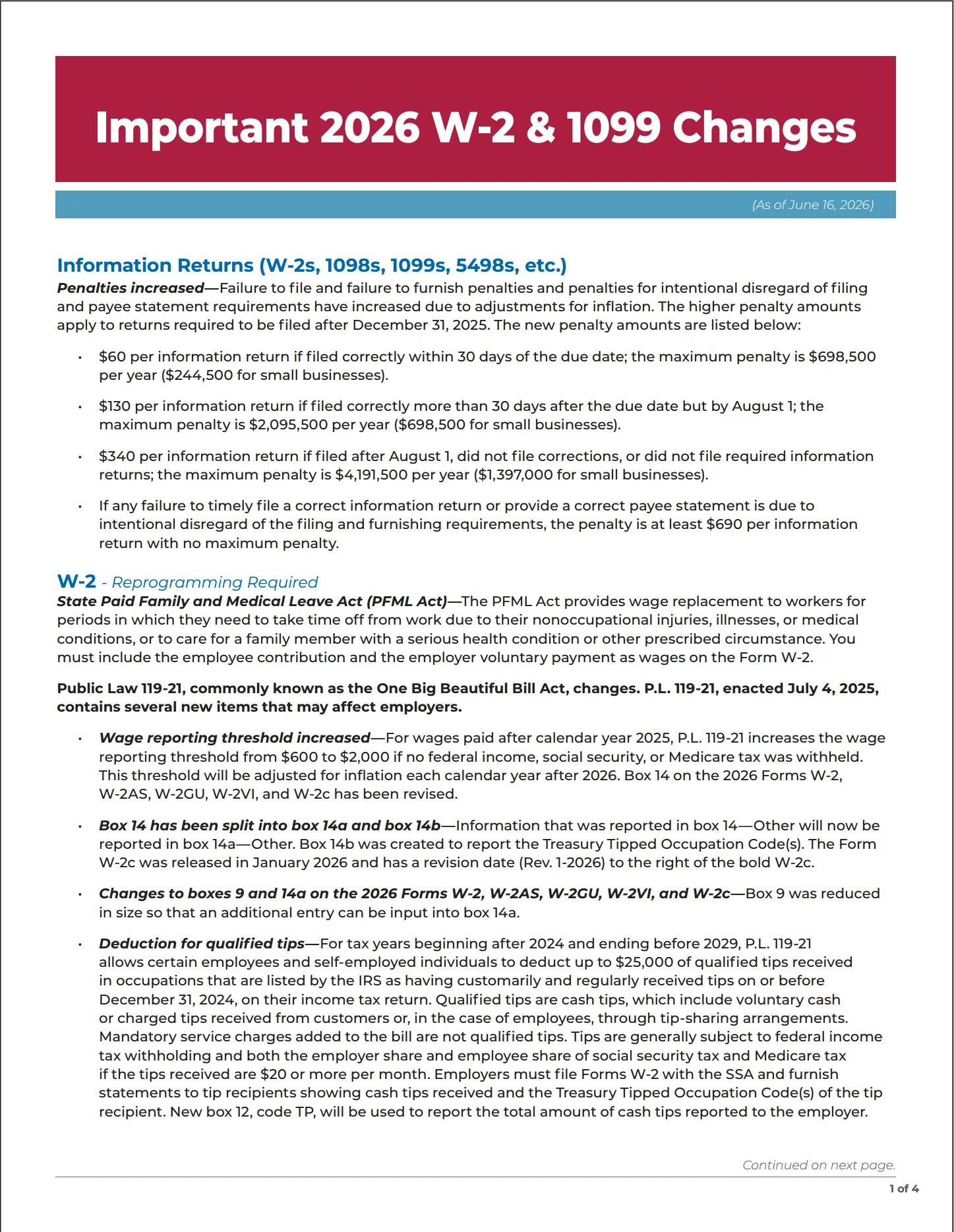
For tax reporting forms, cost also includes compliance risk. Employer W-2 forms and other required tax documents must use the correct copies and layouts for the intended recipient and filing process. Whether you choose blank-compatible forms or a preprinted format, confirm the form year, copy designation, and software compatibility before ordering.
Match the Form to the Mailing Process
Forms and envelopes should be selected together, not as separate purchases. A statement that prints a recipient address in one position needs a window envelope with windows located to match. A check mailing process may require a laser check envelope, often with a security tint and specific window configuration.
Preprinted return-address envelopes are efficient when your mailing address is stable and mail volume is consistent. Blank envelopes make more sense when different departments, locations, or entities need to print different return addresses. Self-seal envelopes can speed high-volume processing, while moisture-seal options may suit offices that prefer a traditional closure or have established inserting equipment.
Before ordering, print a sample of the completed document, fold it as it will be mailed, and check the address through the window. This simple test prevents a common and expensive mismatch.
A Practical Decision Process
Start with the document’s purpose. Ask whether the information printed on every form is stable for at least the expected life of the order. Then consider whether the document is generated manually, through accounting software, or through a mixed process.
Preprinted forms are usually the stronger choice when volume is predictable, company details are unlikely to change, and a consistent finished appearance matters. Blank forms are usually better when information varies, software controls the output, or the business needs to avoid holding customized inventory.
It is also reasonable to use both. Many organizations keep blank laser checks for flexible or multi-account payment workflows while using preprinted deposit tickets, custom envelopes, or multipart invoices for high-frequency tasks. Buying each document in the format that fits its actual use is more efficient than forcing every process into one approach.
The right form is the one your team can order confidently, print or complete accurately, and use without creating another administrative step. Review the workflow first, then match the form specifications to the people, software, printers, envelopes, and filing requirements behind it.