
Order laser checks for your business in minutes. Choose pre-printed laser checks — we print your company name, logo, bank information, MICR line and check numbers — or blank laser check stock you print yourself with MICR toner. Every check is guaranteed compatible with QuickBooks®, Sage 50 / Peachtree®, Quicken®, Microsoft Dynamics GP, MAS 90/Sage 100 and more than 50 other accounting packages, and ships from national print houses in about 24 hours.
Business Checks · Laser Compatible
Laser Checks
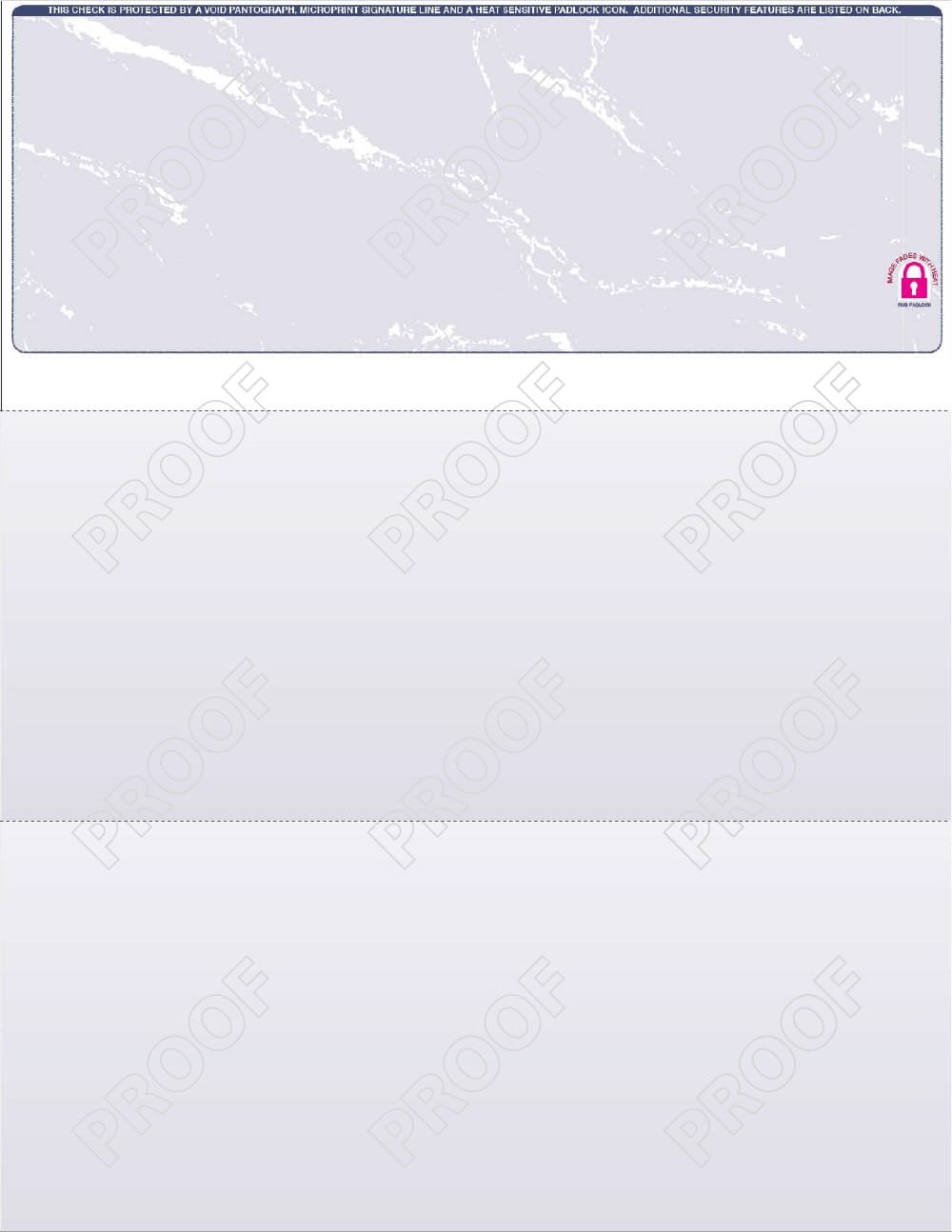
Check on top, two stubs below. Compatible with QuickBooks, Peachtree, ACCPAC, Great Plains, and 50+ accounting packages.
What are you ordering?
Step 1 · Your Accounting Software — select to see compatible layouts
Step 2 · Select Your Check Format — CheckMate® forms made for
Payroll and Accounts Payable vouchers come with the stub headings pre-printed for your software. General Purpose vouchers are blank stubs. Prefer a blank-stock layout instead? Show all layouts
Step 2 · Select Layout:
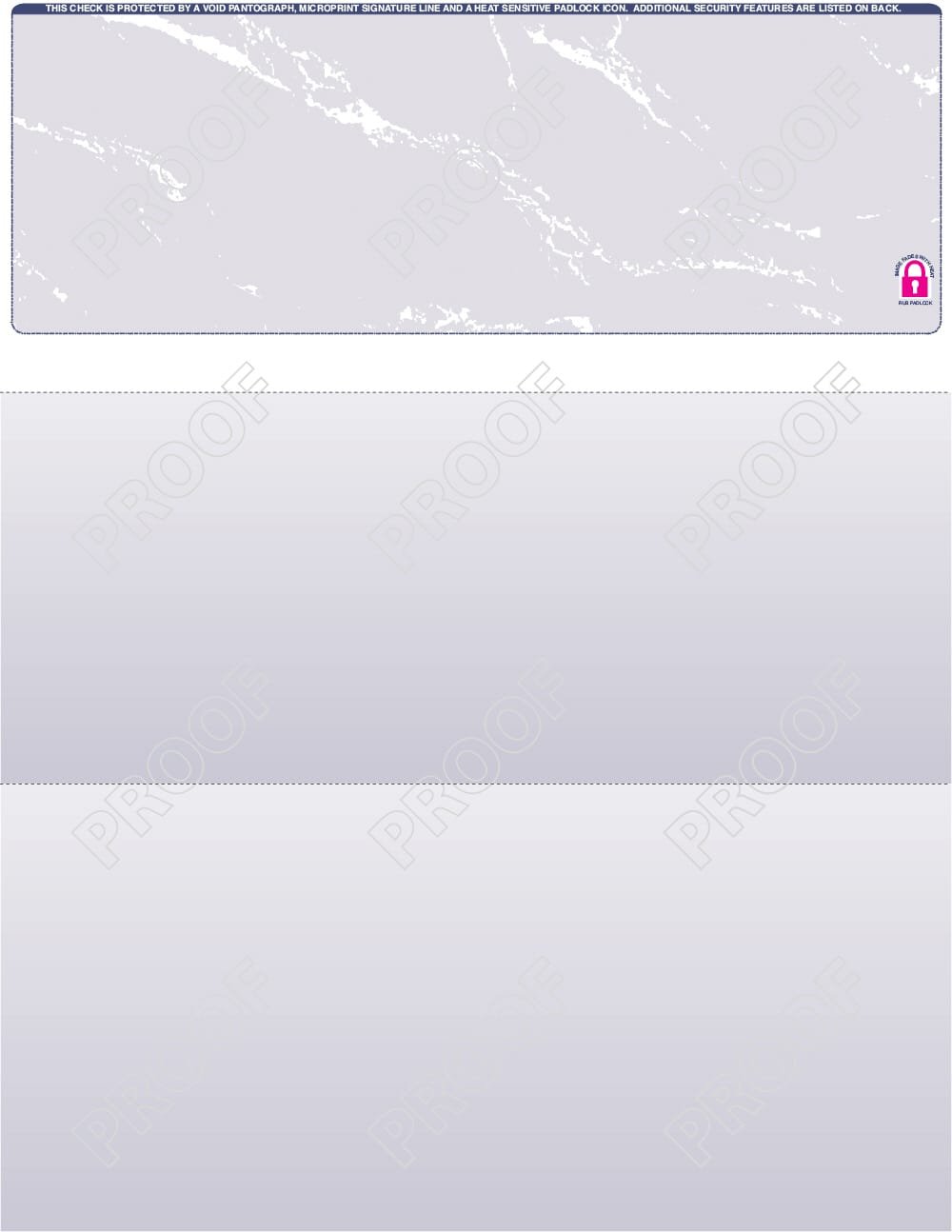
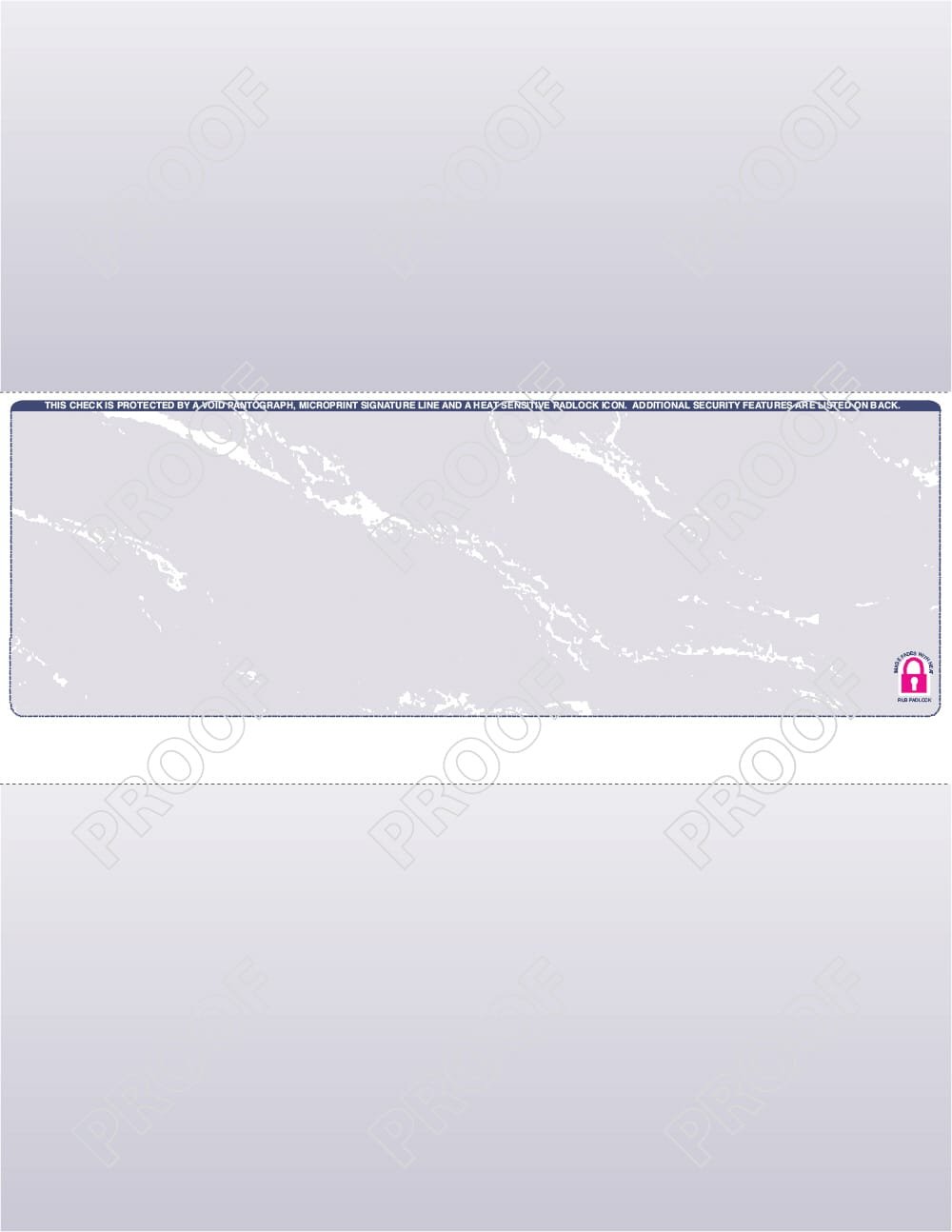
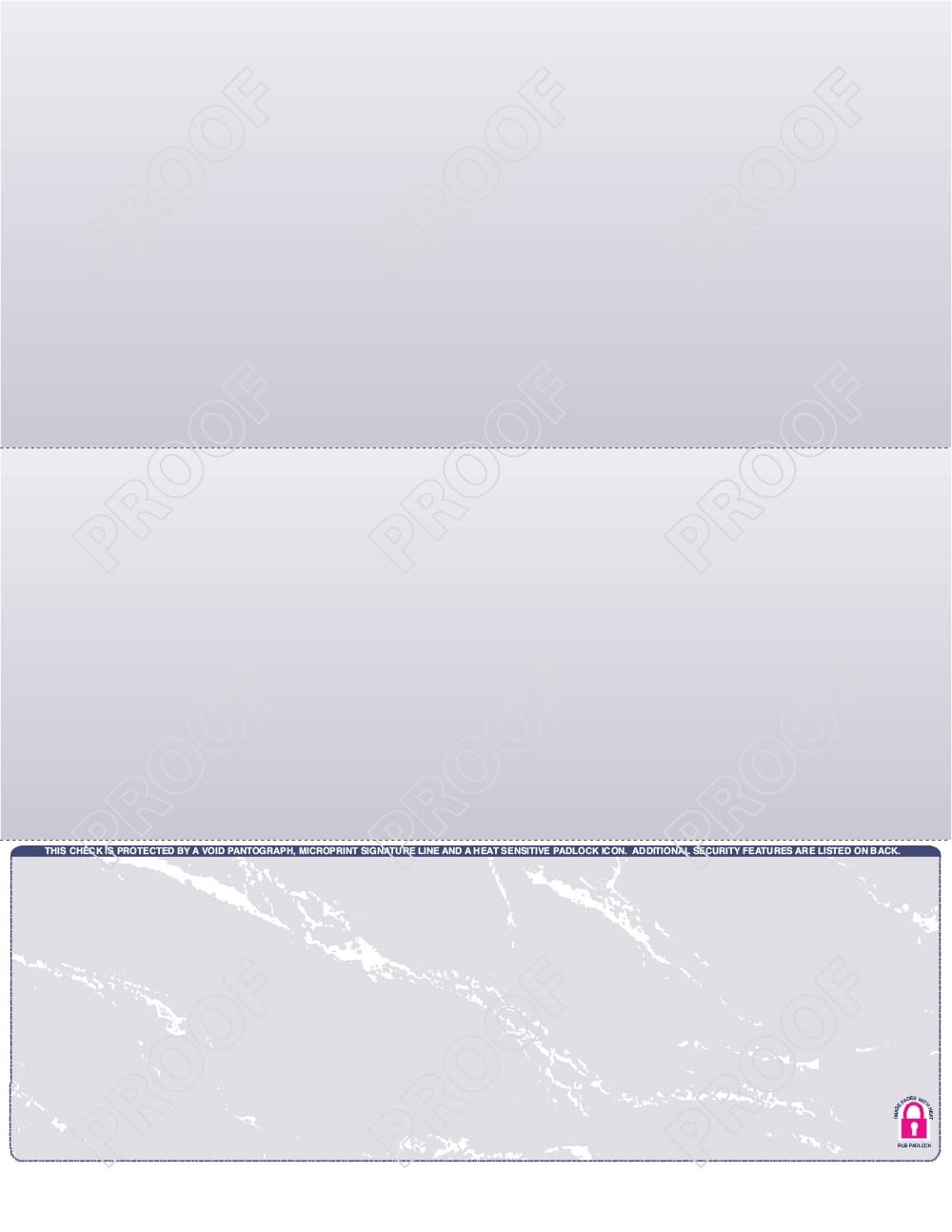
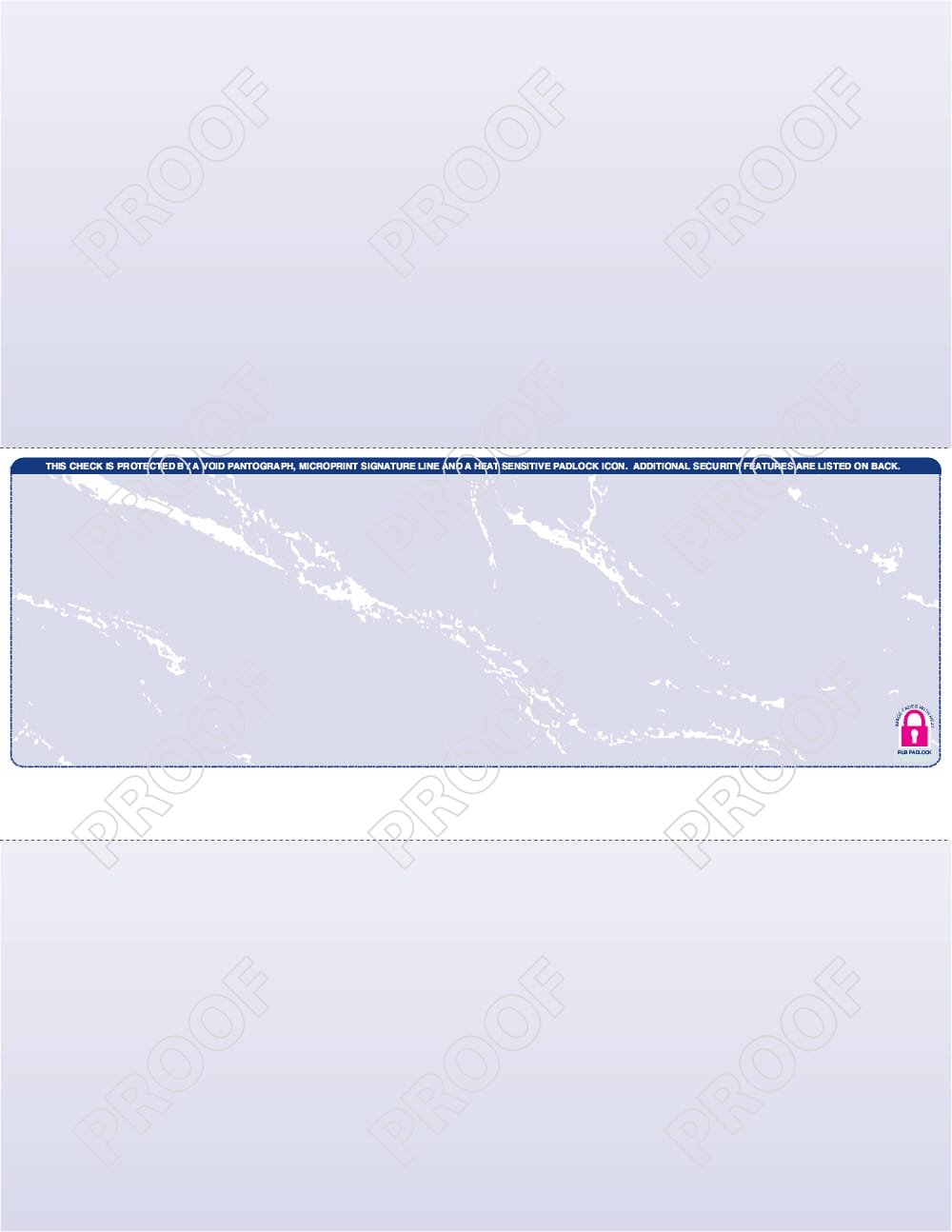


All layouts print on 8½″ × 11″ stock
Don’t want to fill out every step yourself? Upload what you already have and tell us what you need. We’ll design your laser checks, then email you an invoice and a proof through PayPal so you can review everything and approve before we print and ship — we do the work so you don’t have to.
We’ll design your checks, then send an invoice and proof through PayPal for you to review and approve — nothing is printed or charged until you say go.
| SECURITY FEATURES | ✓ LEVEL 1 24# MICR BOND | ✓ LEVEL 2 24# GHOST SECURITY |
|---|
| Qty | Level 1 | Level 2 |
|---|

Choose your ink color, then a VOID background pattern. The preview below shows how the combination will print.
Select a color
Check Background
Filled in from your overlay choice above — edit any heading, or leave blank to omit a column.
Anything else we should know about your order — special instructions, a deadline, how your current checks are set up, etc.
Pre-Printed Laser Checks vs. Blank Laser Check Stock
Pre-printed laser checks
Your business imprint, bank name, routing and account numbers, MICR encoding and sequential check numbers are all printed for you on 24# MICR bond. Pick the CheckMate® form number made for your accounting software — payroll vouchers and accounts-payable vouchers come with the stub headings pre-printed — then approve a digital proof before anything goes to press. Available in 1-part, 2-part and 3-part carbonless sets.
Blank laser check stock
The same security paper with the layout, color and VOID pantograph background only. You print the bank information and MICR line with your own check-printing software and a MICR toner cartridge. Blank stock is the lowest-cost way to buy laser checks and lets you use one box of checks for several bank accounts.
Laser Check Layouts for Every Accounting Program
All layouts print on standard 8½” × 11″ sheets. Select your software in Step 1 and the form shows only the layouts and CheckMate form numbers that are compatible.
- Layout A — check on top (3½” + 3½” + 4″): QuickBooks Desktop, QuickBooks Online, Quicken, Xero, Wave, FreshBooks, Zoho Books, NetSuite and most general-ledger programs.
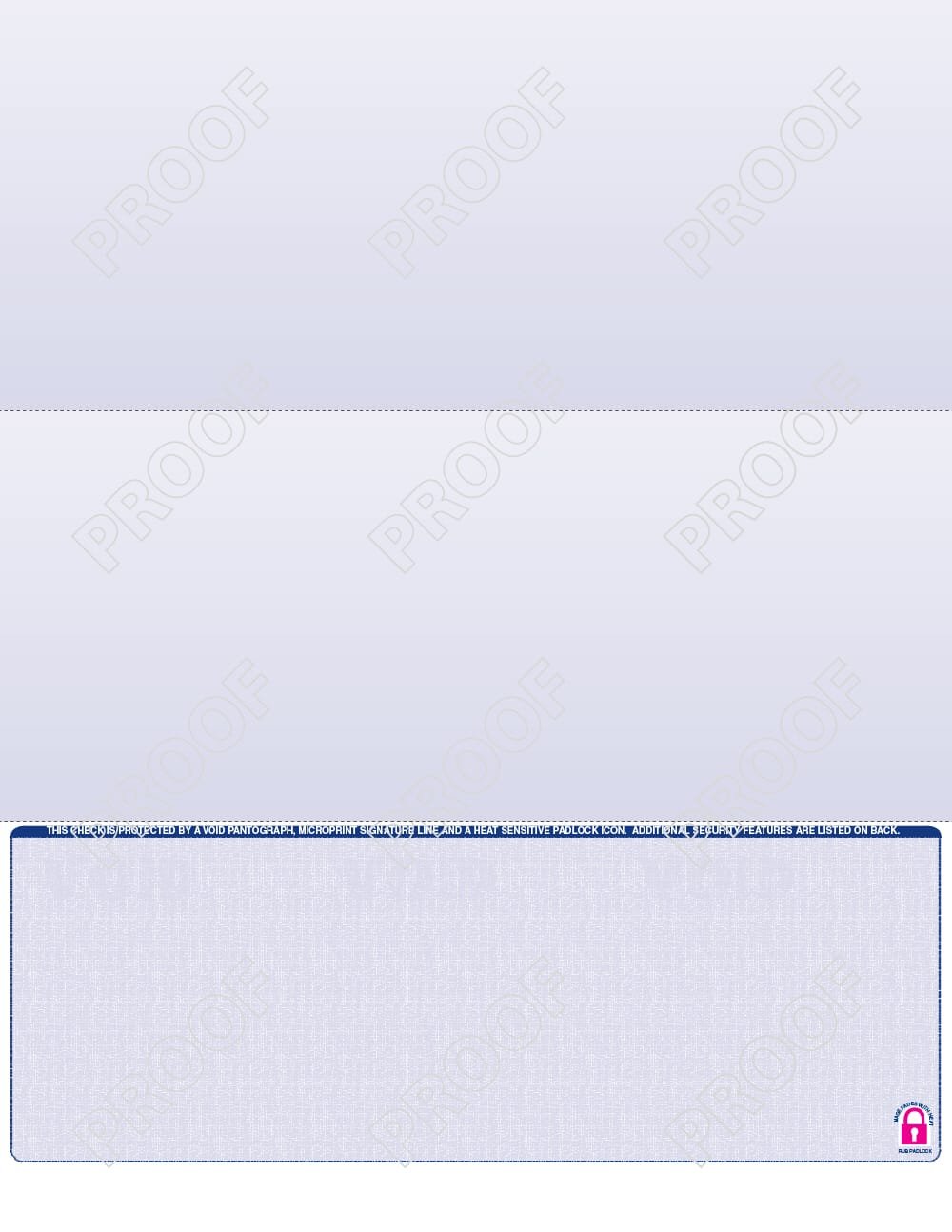
- Layout B — check in middle (3½” + 3½” + 4″): Sage 50 / Peachtree, Dynamics GP (Great Plains), MAS 90 / Sage 100, AccountMate, Solomon, Timberline, RealWorld and many payroll vouchers.
- Layout C — check on bottom (4″ + 3½” + 3½”): Peachtree, ADP, Paychex, Gusto and other bottom-check payroll formats.
- Layout D — check in middle with a 4″ top stub: VersaCheck, CheckMagic and generic check-writing software.
- Layout E — three checks per page (3-up, no stubs): QuickBooks, Quicken, PenSoft and high-volume disbursement printing.
- Layout F — voucher check (3½” check + 7½” stub): payroll and accounts-payable remittance detail.
- Layout G — three equal panels (3⅔” each), check on top, and Layout I, three equal panels with the check on the bottom.
Check Security Levels, Colors and Backgrounds
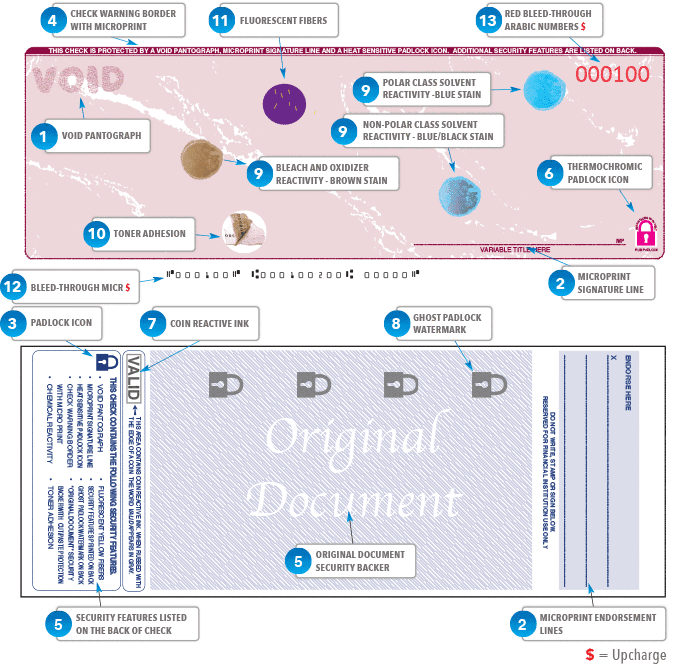
Level 1 is 24# MICR bond with a VOID pantograph, microprint signature line, padlock icon, check warning borders and full security back printing. Level 2 adds ghost-security features including chemical reactivity, toner adhesion, a coin-reactive ink stripe, a thermochromic padlock and a ghost-padlock watermark backer — the same high-security stock sold by the warehouse clubs, at a lower price. Level 1 checks come in Maroon, Blue and Green; Level 2 adds Red, Purple, Teal, Brown, Light Blue and two Prismatic bases (Blue/Green and Blue/Red). Choose a Marble or Linen VOID pantograph background and see the exact combination in the live preview before you order.
Matching Laser Deposit Tickets
Add QuickBooks-compatible (908CM) or Sage 50 / Peachtree-compatible (902CM) laser deposit tickets to any check order and they are printed with the same bank, account number and business name as your checks. Blank deposit-ticket stock is available with blank check stock.
Why Order Laser Checks from Form Technology?
- Printed by national print houses on Check 21–compliant MICR bond, so every check clears the first time.
- Live check proof while you build your order, plus a digital proof emailed before production.
- Regular and sale pricing shown on every quantity from 100 to 25,000 checks; promo codes accepted at checkout.
- Bank and account information is used only to produce your checks and is never stored on this page.
- Also see our double-window check envelopes, custom business invoices and all business checks.
Laser Check FAQs
Which laser check layout works with QuickBooks?
QuickBooks Desktop, Pro, Premier, Enterprise and QuickBooks Online print on Layout A (check on top, two stubs below) using CheckMate forms 302CM, 303CM or 303CM v2, or on Layout E for three checks per page (308CM). Select QuickBooks in Step 1 and the form pre-selects the right format.
Which layout does Sage 50 / Peachtree use?
Most Sage 50 and Peachtree versions print middle-check formats (Layout B) such as 107CM payroll vouchers, 207CM accounts-payable vouchers and 317CM or 310CM general-purpose vouchers. Some payroll set-ups use bottom-check Layout C. Choosing your version in Step 1 shows exactly which forms are compatible.
What is the difference between Level 1 and Level 2 security checks?
Level 1 (24# MICR bond) includes a VOID pantograph, microprint signature line, padlock icon, warning borders and security backer. Level 2 (24# ghost security) adds chemical-reactive paper, toner adhesion, coin-reactive ink, a thermochromic padlock and a ghost-padlock watermark for maximum fraud protection.
Can I print my own MICR line on blank check stock?
Yes. Blank laser check stock is designed for check-printing software with a MICR toner cartridge. Your software prints the bank name, routing and account numbers, MICR line and check number; we supply the security paper in the layout, color and background you choose.
How fast do laser checks ship?
Orders are produced within about 24 hours of proof approval and ship from national print houses across the country. Most customers receive their checks in 3–7 business days.
Do you offer 2-part and 3-part laser checks?
Yes. Pre-printed laser checks and blank stock are both available as 1-part, 2-part (white/canary) or 3-part (white/canary/pink) carbonless sets, in standard or reverse collation.

